Showing posts with label templates. Show all posts

Thursday, July 23, 2015

Playing SPOONS in Math Class: Ideas, Template, & a Download


I saw a tweet today that really got me thinking. It leads you to a game of SPOONS with equivalent fractions and the directions to play the game, in case you've never played the card deck version.  #TMC15 is happening, and I'm at GCS Pinnacle feeling a bit left out of the fun. So when I saw this, I knew I had to whip up a batch of cards. 

Pinnacle's topic of the day is Gamification/Gamed-Based Learning (turns out, those are 2 different things). This morning, we played Minecraft, learned about the SERIOUS educational potential there. I'm still pondering if there's something I can use for upper level Secondary Math. Comment below if you think of something. In the meantime, I'm content to see its value for other content areas, particularly in MS Social Studies/History. We ran through WWI and colonization simulations this morning, and it was powerful, even for adults. VERY COOL STUFF. 

This afternoon, our assignment was to create a game. I'm always on the lookout for new games, but I haven't created very many. So it seemed more productive for me to take this new (to me) idea, and make it useful for my grade level. 

Step 1: Create cards. Click here for my 9-card template, which creates 9 playing cards from every sheet of cardstock. Most of the time, I copy this onto cardstock, cut apart, then write on the cards. Occasionally, I'll type up a batch. You need 4 cards per player (I'm planning on groups of 4-6) with a few (4-8) extra. 

Step 2: Decide on a topic. Spoons is fast paced. It's perfect for skill-and-drill type questions, or at least topics that can be identified/classified/etc. quickly. 
Here's the list I can think of off of the top of my head (feel free to add more in the comments!) You will need 4 components/equivalent forms to match up. 

  • Linear equations (matching slope/y-int/table/equation)
  • Linear equations (multiple forms - words/table/equation/graph)
  • Exponent Rules
  • Quadratic equations (matching vertex form, vertex, graph, & ??? )
  • Simplifying radicals (perhaps matching like radicands)
  • Circles (matching equation, radius, graph, and center)
  • Transformations (1 equation w mult. transf., other 3 cards have transf. )
  • Factored form of polynomial & roots, maybe with # of real roots/# complex
  • Exp. Growth & Decay (situation, equation, % rate, growth or decay)
  • Parallel Lines & Transversals (match up 4 examples of alt int, etc.)
  • Triangle Congruence (match up 4 examples of SSS, etc.)
I'm sure there are lots more. Typing this list, it occurred to me that ALL of these would be great post-it activities as well. (Need a reminder about that? Check out this post.) I need to do a better job this year of allowing students to get some practice in a non-worksheet way. 

My friend @sgibson and I wrote up this set for linear equations pretty quickly. 


I typed out a batch of simplifying square roots - students would simplify mentally, then match up based on the simplified radicand. An answer key/master list is included! It took me about 20 mins. from start to finish - not too bad for a new activity! Click here to download it. 

To wrap up, here's my Top 10 take-aways from #GCSPinnacle this week:
1. CANVA is amazing. I've used it 10+ times in 2 days. LOVE. 
2. Badges work. If adults love it, so can high school kids. 
3. It's hard to find teaching techniques that work for all content areas. Some just won't. And that's ok. 
4. Sitting in a desk every day is NOT any easier than teaching. It takes serious personal motivation to stay focused. 
5. There's not a gazebo in McAdenville anymore. There IS one 5 seconds from the Rader Center. 
6. People get goofy after sitting in the same room for 4 days straight. 
7. I need to be on Twitter more. #ILiketoHashtag
8. I need to share more, and worry about having "finished products" less. 
9. You can accomplish a LOT of planning when you're not focused on 1 topic (like what's happening next week, or tomorrow) but rather on an entire course.
10. Cutesy activities usually make me wince, but they really do build a sense of teams. (Shoutout to People Machines & our toaster!)


Tuesday, July 21, 2015

Review Fun: How to Play the Dice Game


This great, low-prep, EASY review game was shared with me by my classroom neighbor. He heard about it from a friend at his last school. Who knows where this game has its roots?!

SETUP:
  • Game template file (Download it here) on SmartBoard
    • Medium Tech: Don't have SmartNotebook software? Go to express.smarttech.com
    • No/Low Tech: Use real dice and display the 1-6 choices & score on the board. 
  • Change #1-4 to be 4 topic "groups" that you want to review. Have questions to read aloud or display (task cards are great for this).
  • Students need to be in teams and have scrap paper/dry erase boards for their work.
GAMEPLAY:

One student from the 1st team comes up to the board and hits the dice to roll them. Their team may CHOOSE which number they want. (So if they roll a 1 and a 3, they can choose which category to answer a question from. The only time 6 is chosen is if they roll a double 6.) Teams continue to roll until they answer a question. I also make a double 5 the "special roll" where they can erase 2 points. 
I don't allow negative points, so there's no use for them to choose a 5 until another team has points.

Each correct answer earns their team 1 point. They work together to answer, and may only answer one time. If they are incorrect, I allow any other team to "steal" the point. 

WINNER:
The team with the most points wins. I keep score in the boxes at the bottom of the page. We usually play until a pre-determined time, so that the game doesn't take over an entire class period. 
WHAT I LOVE: 
Basically no prep. Works with any content.

ISSUES/THINGS TO CHANGE:
Sometimes they'll avoid a certain category. If that happens, I replace an "overused" topic with the topic they're avoiding (for example, #1 might start out as absolute value, and end up half way through the game as direct/inverse variation). I've also been known to have a "random" category on one of the numbers to fill in what I think they need. 

I also want to make students individually accountable for their answers - in the future, I can see myself using Nearpod for them to send in their responses with work, like I do with BINGO. Sometimes the tech isn't always available on the fly, so I'd love any ideas for a low-tech way to collect their work without having to grade a bunch of messy papers. 

Friday, May 1, 2015

Skitch Connect Four/Tic Tac Toe with Circle Terms

Hi everyone!

I thought it'd be best to start the first of May off with a blog post left over from April.

We've been starting some geometry lately, and my Math 3 kids really needed a few days to get their brains wrapped around the vocabulary.

I found a neat Circles Tic Tac Toe activity and this blog post including paper folding notes, which helped me plan my instruction for my kiddos.

I've really been trying to put my 10 class iPads to use with partner activities, and this fit the bill perfectly. My class is one of the pilot BYOD rooms in the school, but there's still many of my students that don't have a device to bring. Often, lessons where they can work in pairs instead 1:1 with the tech are much more doable. Here's what we did.

Setting up an ISN page that's got several pieces can seriously EAT class time. So I replaced their usual warmup activity with some simple instructions. I had the first 3 people in the room pass out the strips of paper, which were 1/3 each of a colorful letter sized paper.

We worked together to fill out the index cards, talking about what they knew, and the importance of certain distinctions (line vs. line segment, etc).

We also separated their cards into three groups (the idea I got from the post linked above). 

We practiced using some task cards and a game of Scoot. 
Then students were sorted into pairs, and each pair needed 1 device. 
I posted the picture file in Google Classroom, and they opened it using Skitch. 
(If you don't have devices, you can also print & copy one per pair, or laminate and reuse with dry erase markers.) The Slides file with the instructions and complete list of vocab is here. 

The picture file that my students used looked like this:

They used the Skitch app to draw their X's and O's on the board. 
Below is what the board looked like after one pair finished a game. 

The tech allowed us to save some paper, play multiple times, save the results, and have a bit of fun!
My students enjoyed the activity, and I appreciated the 5 minutes that it took to create this activity. I'll definitely be using Skitch for ed games again soon!


Friday, May 2, 2014

Friday Freebies! Comparing Linear/Quadratic/Exponential Functions

My students are testing today on the unit we introduced with Zombie Day. 


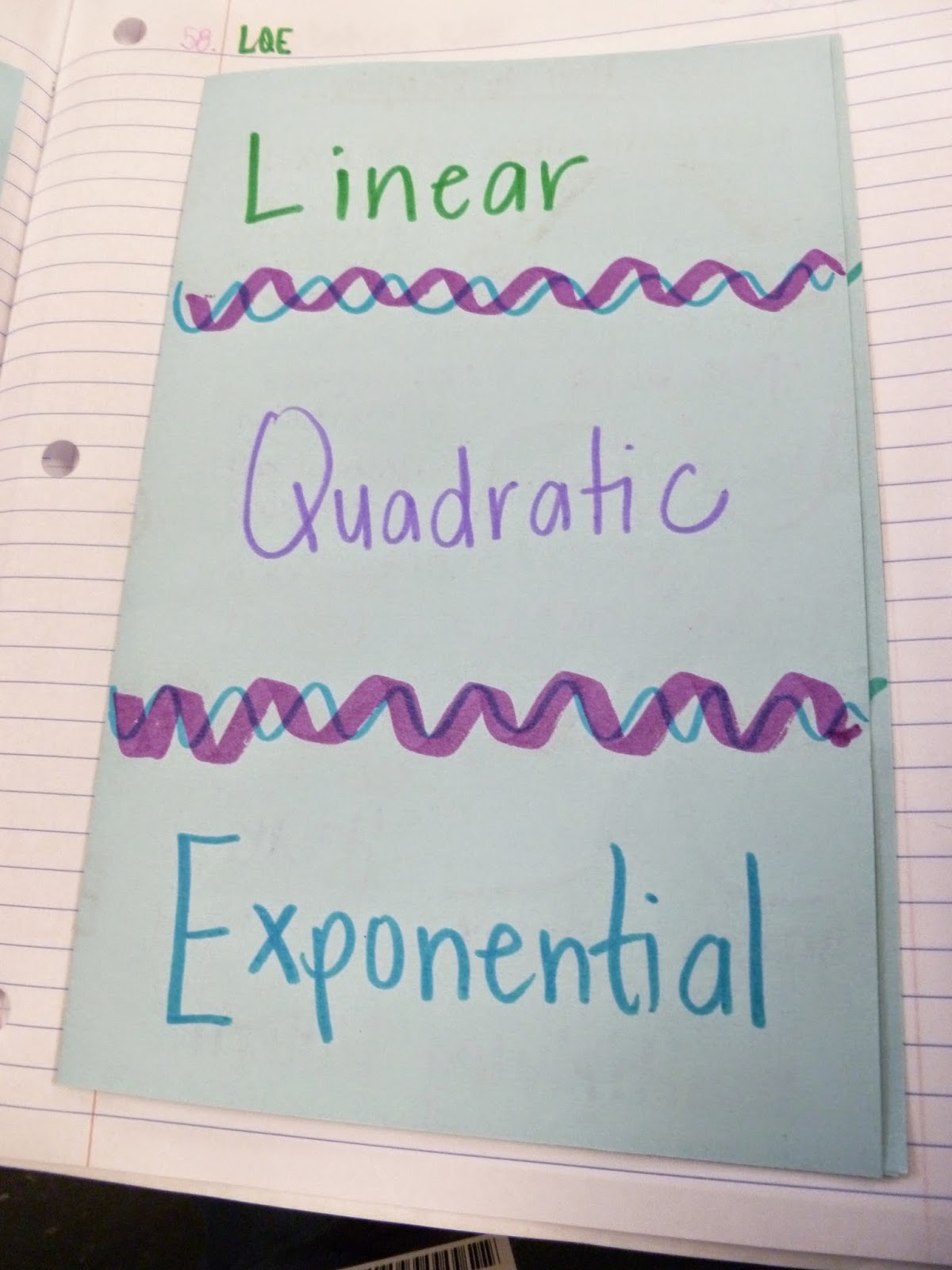
We used a "Fun with Functions" Cut and sort activity to practice identifying/classifying LQE functions.
 We spent plenty of time working with multiple representations of each, and how to write the equation for a function once you know what type it is.

Then we moved on to translating, with matchbook notes. 


And after seeing this blog post from Math=Love, we included a drawing of our calculator yesterday when talking about using the regression functions on our Ti-84s. 

And we practiced, and practiced, and practiced. 
We did a scavenger hunt.


We used LQE cards on the 2nd day of the unit for whole-class response practice. 

The following day, we increased the level of difficulty by using cards that said what type of L,Q, or E each example was. (The exponential card had decay on one side, growth on the other)

I wanted to do so much more with this unit, but there's only so many days left until testing season begins.
However, I do think that having a day of centers would have been better than only doing the practice in mostly whole-class settings. So I made a card sort for this unit (using this 12-block template) - we'll use it for EOC review. I wrote up the process for using a similar 9-block template in this previous post.


Here are some of the ways I'm thinking of using the LQE cards (it's a set of 48)
  • printed 2 to a page, into a column sort in their ISN
  • printed onto cardstock, used as Go-Fish or Memory (each exponential matches with any other exponential)
  • printed onto cardstock, used as a center matching activity (3-column sort as a group onto a posterboard or table marked with 3 sections)
  • center activity where students play Left-Center-Right, but to keep/receive a card, they say L/Q/E
Start the download for the card set by clicking here. It's a Word docx file, so feel free to edit it to suit your students' needs. 

Have a great weekend!

Wednesday, March 19, 2014

Scavenger Hunts - and a free template!

I've truly had a very productive week this week. I am ahead in planning, and spent some time yesterday creating a template that I'd like to share. 

I don't know who came up with the idea of this type of scavenger hunt, but I use them ALL.THE.TIME.
At least once per unit. Usually more. 
Because a 10 question scavenger hunt takes me 5-10 minutes to create, and lets them practice with or without partners, usually filling up 15-30 minutes of class time. 

I have so many of these that I've handwritten. In my teacher bag, I even carry around "scavenger hunt packets" of  sets of 10 different colors of cardstock. When waiting for a meeting, it's so easy to quickly make a set of these from 10 questions scrawled out on a scrap of notebook paper.

Just in case you call them something different (or haven't heard of them), for a scavenger hunt you post a number (I typically do 10) of questions and answers around the room. You can see them posted in the picture above - a blue one on the wall, a pink one on the window. 

Each page has an answer on the outside and a question on the inside. This set was for multiplying polynomials.


Each page also has a letter to label the question. 

Students start at any question, work it out on their paper, and then search for the answer on another paper around the room. Once found, they complete the question under that answer. After they've completed the last question, that answer brings them back to where they started (which is why they can start at any letter). 

I have students work their questions out on a piece of construction paper set up with the same number of boxes as questions. They put the letter that they are working on in the smaller box. The letter sequence (which is always random) allows me to quickly check their work while I'm circulating around the room. Once complete, they attach the page in their ISN.


This is what the cards look like stored for future use - I write the answer key on a sticky label and always stick it to the back of the A card, with the topic and number of questions. When I'm ready to use a set, I quickly copy those 10 letters onto a post it which I keep in my pocket for the day.

Here's how I keep the scavenger hunts (and all other game/station activities) organized for future use:
I have 2 large milk crates with hanging files labeled by topic. 

Each activity is inside either a bag, sleeve protector, or binder clipped. 
As you can see, I'm still working on finding more activities for several of my algebra 2 topics. 
This is NOT where I keep worksheets/foldables/ISN pages. 

These bins are only for games and station activities. This is also where I keep flashcards, task cards, and non-content specific TPR materials (Yes/No cards, worksheet game boards, ABCD cards/etc.)


So back to the scavenger hunts, and on to the freebie!
I decided that I wanted a way to type these so if I'm on the go, I can quickly type up a set of questions and answers in Evernote, and then just copy and paste right before I print. So yesterday, I sat down at my laptop and made it happen.

I made a template in Word that will automatically populate a 10-question set of questions and answers. 

AND HERE'S THE AWESOME PART. 

Because of the way I have it set up, you can even use pictures/equations/screenshots for your questions or answers! Yes, that's right. You don't have to type in questions - use the snipping tool, or a web clipper like Lightshot, and it'll be done in 5 minutes, ready to print. 

Instructions are in the file - click here to download it. 

(And if you create a set for something algebra-ish, please send it my way! 
If you need help using it, email me or have the MS Word teacher at your school look at it - the file uses cross-references to bookmarked cells in the table on the first page.)

I am really so excited to start using this template - once I've made a few sets, I'll share them as well. 


Tuesday, March 18, 2014

How to make a stations activity in a hurry

Hi! 
So we've had quite the busy semester so far, but my focus this semester has been to develop interactive/cooperative learning fun stuff for my Math 1 kids. I moved schools last year, and my old school had a department-wide bin of games. There weren't many in it, but it was nice to know at the beginning of the unit that I could take the folder for that topic and instantly have a couple of really good resources to use. I've made it my mission as math department chair at my new school to recreate that setup, with electronic files, interactive notebook pages, and games/stations activities. I currently have 2 milk crates filled with games and activities sorted by topic - I'm going to try to share as many of these as possible.

One of the things I recently started planning was my professional development session this summer on making your secondary classroom more engaging. With the help of a couple of AMAZING coworkers, I'll be presenting sessions on interactive notebooking, using games and centers with secondary students, and how to help students track progress with skill-based assessments (basically, my version of SBG).

As I wrote up the documentation needed for the PD for games, I realized that while I have created plenty of different activities, I don't have electronic versions of very many. The reason for that (as well as the reason I'm willing to create them) is because I can create enough of these types of card games to have a set per group in my class pretty quickly. The reason it's so quick is because I use a test generator or Kuta to print the questions, and then physically cut and tape them onto a pre-made template. 

That's the process I want to share today. 

First, print out a worksheet answer key, test with answers, or KUTA page with answers. Double the number of questions to determine the number of cards you'll need to make.


You'll need the card template (shown is a 12 card template - I've since switched to 9 cards, since they're a bit easier to play with.) Download the card template by clicking here. Print out enough of them for the number of cards you plan to make.  You'll also need scissors and tape. 

Cut out each question and answer separately. No need to worry about keeping anything in order. Don't worry if the edges aren't straight. This is where I love using KUTA worksheets - everything's aligned, and I just cut out the columns then snip it apart. Tape the pieces onto the template, one per box. They don't have be perfectly straight. I also typically lay out a page, then tape them all at once with larger strips of tape, rather than tiny pieces on each box.

I'd like to take a moment here to mention that if you're feeling ambitious, you can cut and paste screenshots of questions/pictures to use, or you could type in the template. I typically don't do that only because it takes 5 times as long to make the same type of game, and it still looks typed and neat when done this way.

Once you've got them taped, now's your opportunity to scan the page to save an electronic copy, or copy it for a neater hard copy. 

Copy your pages onto different colors of cardstock - I use a different color for each set, so if a card goes missing it's easy to figure out where it goes.

Cut apart the blocks by following the guidelines on the template. Using a template without lines around the edge not only saves cutting time, but also ensures that every bit of the page is used - no waste!
I use a large craft cutter from Michaels. Use a 40% off coupon and a teacher discount of 15%, and they're quite reasonably priced! 


Put each set into a snack or sandwich size baggie.

Put all baggies into a gallon size bag labeled with the topic, activity description, and number of sets of cards.
 

And that's it!
You now have an easy game card set that can be used as a matching activity, go fish, old maid (if you leave one card space blank per set), memory/concentration, etc. This same deck can act as any of those games, and can be reused again and again. 

Here's the scanned copy of the set I made:
  matching linear equations with their graphs. 

Enjoy!
(By the way, if you have ideas for other fun activities/games that you use in your classroom that work across different content areas, please share in the comments section. I'd love to include them in the PD session over summer, so that other teachers can make their classrooms more engaging for their students.)

Tuesday, August 13, 2013

2012 ISN

Here are some of the meat-and-potatoes shots of my 2012 math ISN. I will be using many of these pages again, but I tried to give you a variety of types of pages, so you can get an idea for the possibilities of these notebooks. 


inside this one had the steps to find each and an example

under each flap was the step worked out and explained

on the left: frayer models found here and an outline with labels of a box plot
on the right: we did a class activity where we measured their hand spans, used the data to create a box plot, then labeled the hand with each finger representing a number from the five number summary. 


Histograms notes
This is a typical notes page - I try to model using visual cues (arrows/underlines/circles). 

Color coding two way tables notes

Fraction to Decimal conversion foldable

inside of the fraction to decimal conversion foldable

This foldable acted as an interactive fraction. 

Inside of the relative frequency foldable

This is a review cards page. At the end of a unit, we would write down 6 questions that covered the meat of the unit. Students would answer them on the back of the card, then tape them in on one side. At the end of the six weeks, we took all of the out and put them on a ring for instant exam flashcards. 

More frayer models

Combining Like Terms - they got a strip of paper with an expression. They had to cut it apart, then sort them according to like terms, then simplify the expression. 

We did a smaller example of this before they did a couple on their own.


This was another review page. All of the I can statements from the unit, with 2 questions under each. 

Quadrant foldable - the letters go around from quadrant 1-4. Great visual reminder for the kids on where quadrant one is located. 

Is it a Function? Foldable notes outside

Is it a Function? foldable notes inside

Function Cut and Sort
Students got all of these pieces jumbled up on a page, cut them out, then sorted them into the categories of Function or not. This is a GREAT activity for any topic with categories or classifying. 


This is a page where they had to graph. I have a 12 graphs to a page master copy that I use, and I create around 100 copies of it at the beginning of the year. When they need a picture of a graph in their notebook, I hand out a strip to a row, and they each get one. I use these. I usually had the page precut into strips of 3 or 4, which matched my rows.